
The easiest way to add a clickable banner to your Shopify store.
Drop a clickable banner into your store in seconds, then let built-in A/B testing and real-time analytics show you which image wins more sales.
- No code required
- Free forever plan
- 14-day Pro trial
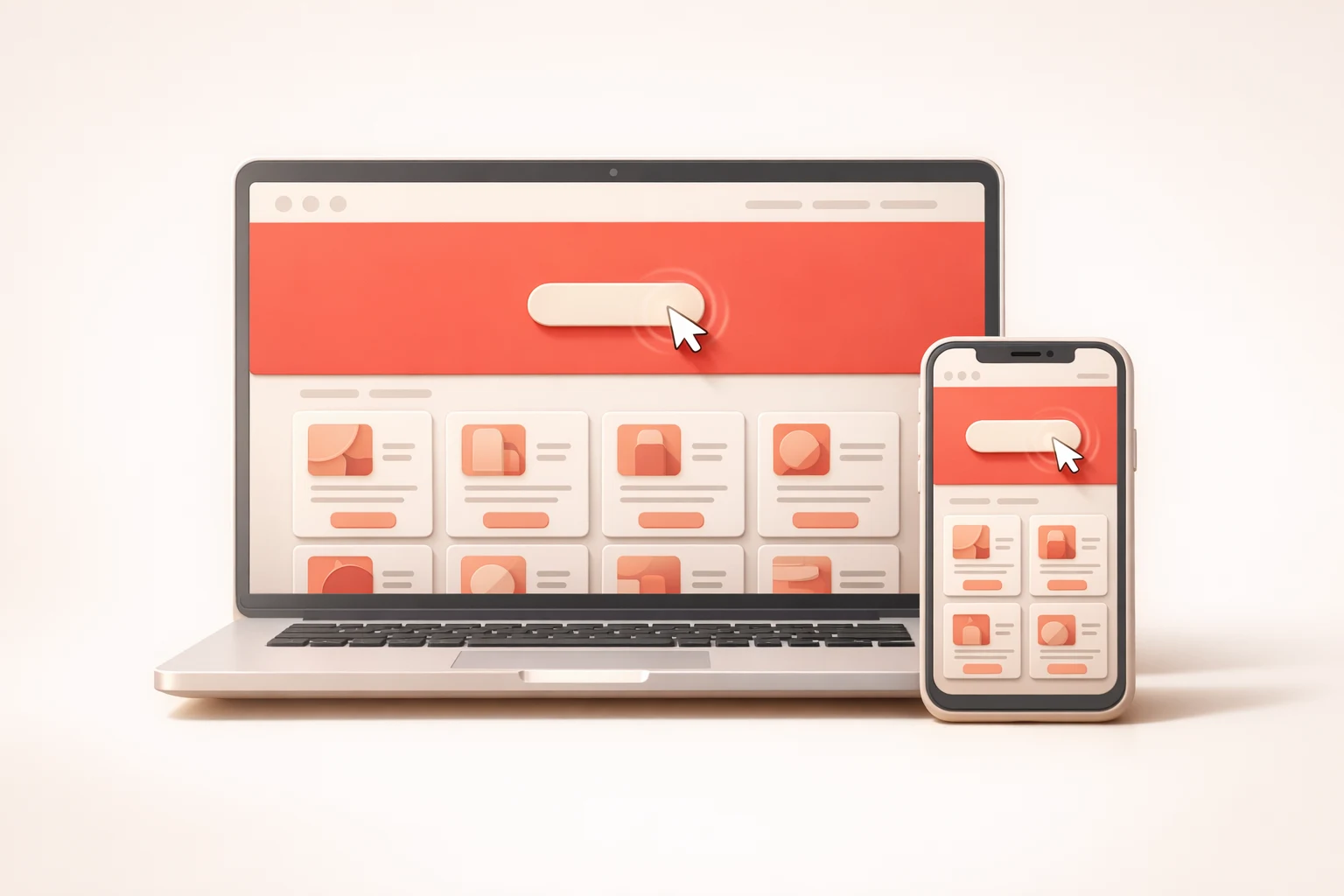
Three steps. One banner. Zero code.
From install to your first live banner in the time it takes to make a coffee.
- 01
Upload your image
Pick the promo, launch or sale visual you want shoppers to see and upload it straight from the HeroLink dashboard.
- 02
Paste a link
Point the banner at a collection, product, landing page or any URL. Every tap sends shoppers exactly where you want them.
- 03
Publish
Switch the banner on in your theme editor and it is live across your storefront. No code, no developer, no waiting.
Want the full walkthrough? Read the getting started guide
Everything a banner should do, and then some
Simple enough to set up in a minute. Powerful enough to tell you which image actually sells.
Launch a promo in under a minute
Upload your image, paste a URL, and HeroLink embeds a perfectly-sized banner across your storefront without touching a line of code.
- Works with any Shopify theme
- Installs as a theme app extension, no theme edits
- Swap the image or link anytime in seconds
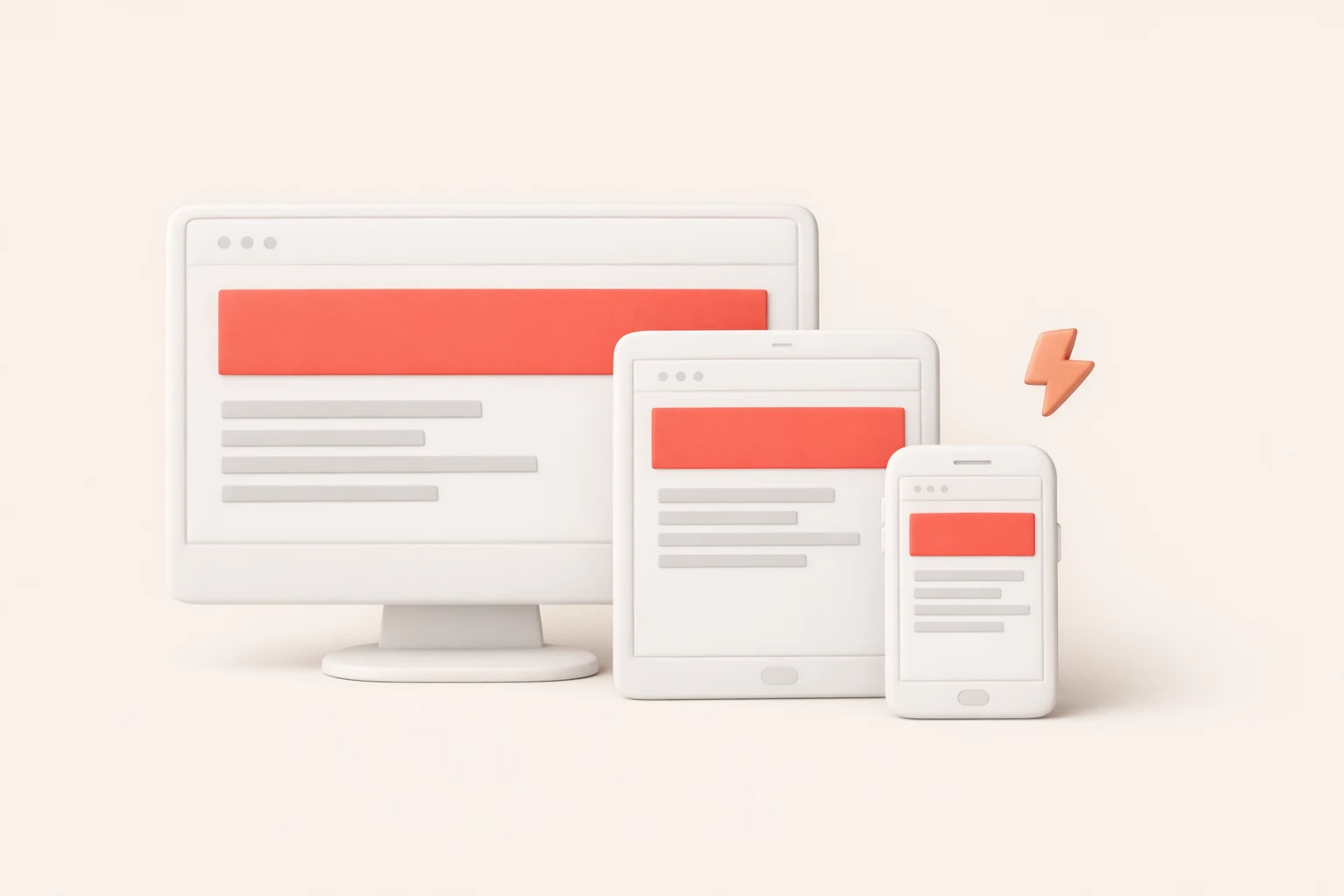
Looks sharp on every screen
Your banners load lightning-fast and scale flawlessly on every screen size, protecting page speed scores and keeping mobile shoppers tapping all the way to checkout.
- Responsive on phones, tablets and desktops
- Lightweight and page-speed friendly
- Custom CSS for pixel-perfect styling
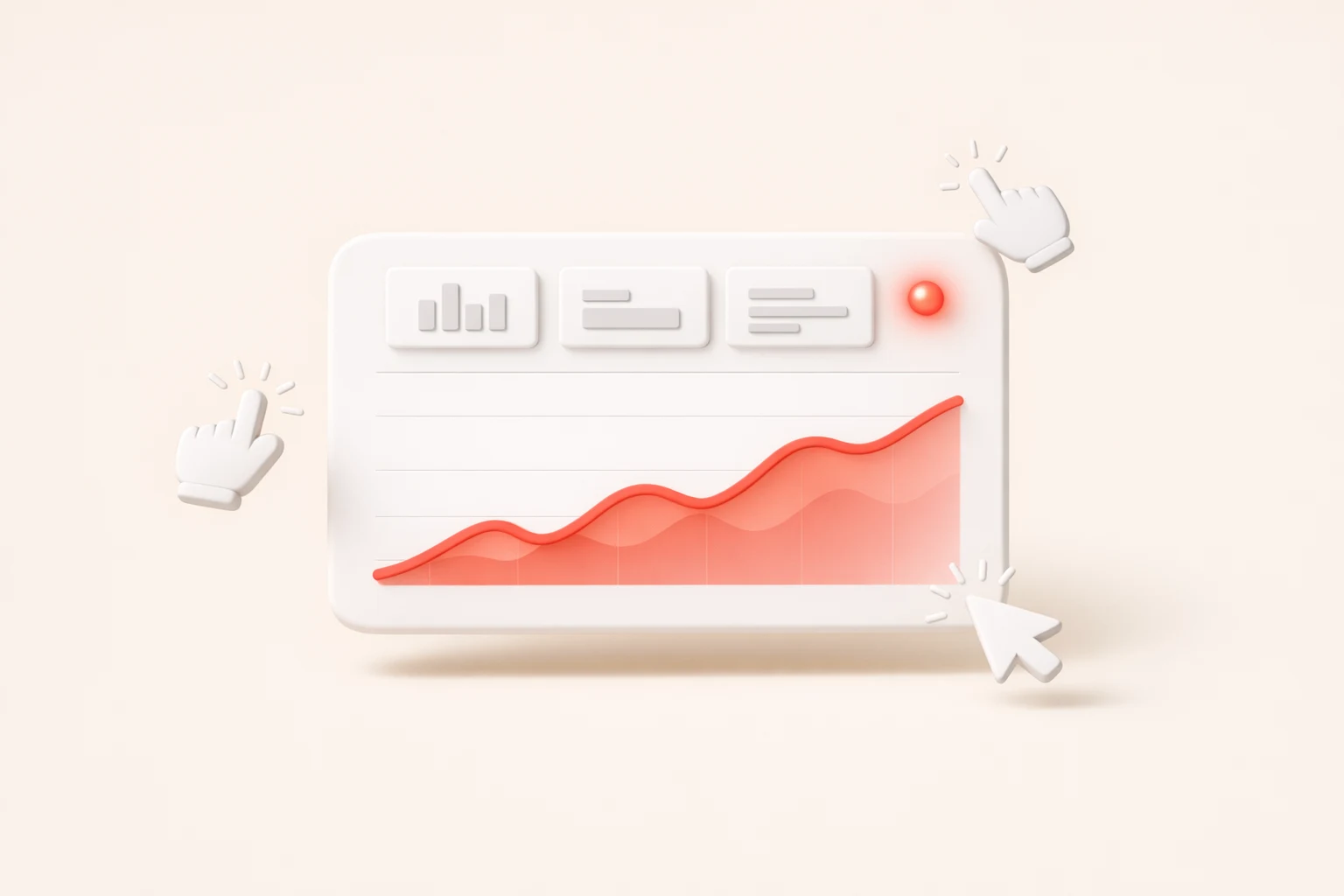
See what your banner is doing, live
Watch views, clicks and click-through rate roll in on a single dashboard. With data updating by the second, you can celebrate spikes or course-correct before a campaign loses steam.
- Views, clicks and CTR at a glance
- Filter by any date range
- Spot winners early and act on them
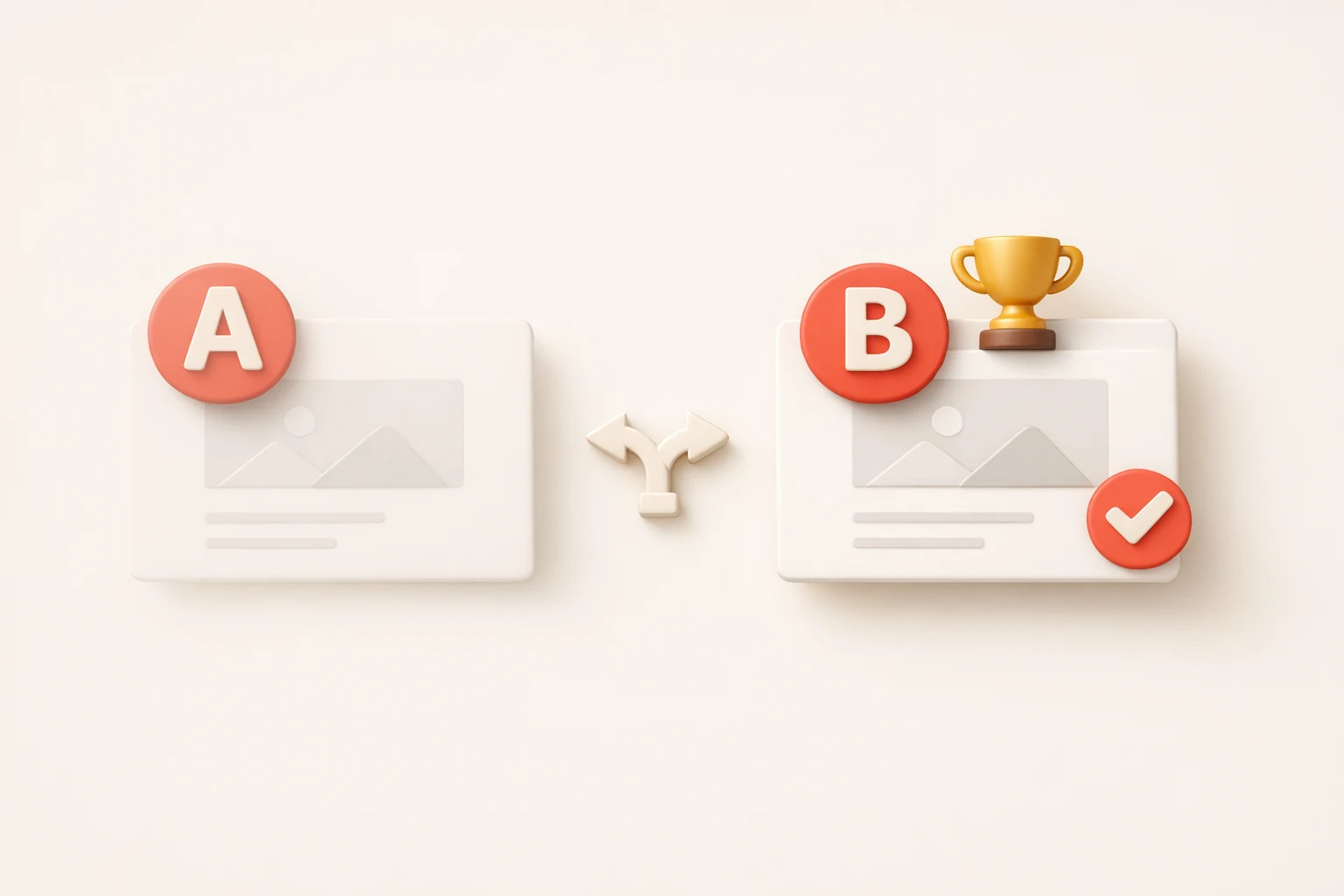
Let the data crown the winner
Spin up two variants, set your traffic split, and let HeroLink automatically crown the champion. You will see which image wins more clicks. No spreadsheets required.
- Test different images and links
- Choose your own traffic split
- Results side by side in the dashboard
Overlay text & button
ProAdd a headline and a call-to-action button on top of your image.
Custom CSS
ProFine-tune spacing, borders and hover effects to match your brand.
Whitelabel
ProRemove the HeroLink logo and “Powered by” text on the Pro plan.
Unlimited impressions
Show your banner to every visitor on every plan, including Free.
Friendly, fast support
Real humans reply within one business day, usually much sooner.
Step-by-step guides
A help center that walks you from install to your first live banner.
Start free. Upgrade when you want the data.
Simple, flat pricing billed through Shopify. No usage limits, no surprises.
Free
Everything you need to get started.
- Unlimited impressions
- Clickable banner on any theme
- Mobile and desktop ready
- Email support
Pro
Setup the ultimate banner, including A/B testing, analytics, custom CSS and more.
- Everything in Free
- A/B testing – split test images and links
- Analytics – views, clicks and CTR
- Custom CSS
- Overlay text and button
- Whitelabel
Questions, answered
Do I need a developer to set it up?
Will it slow down my store?
What does the free plan include?
How does the Pro trial work?
Where can I get help?

Ready to make your banner clickable?
Install HeroLink from the Shopify App Store and publish your first banner in the next five minutes.